

How to Use Midjourney Quickly and Easily: A Guide
Hello, my name is Alexander, and today I will teach you how to use the MiDjourney neural network in just a few minutes.
🔥 Subscribe to me so as not to miss new useful articles.
First, I’ll tell you a little about what a neural network is. A neural network is an artificial intelligence that works on the principle of the human brain. Neurons receive, process and transmit communication information. The main difference between neurons in a computer network is that they need to be constantly trained. These things can process video, conduct a dialogue with a person, Google, write music, recognize objects in photos and much more.
And now we move on to the most sensational neural network of recent months - MiDjourney.
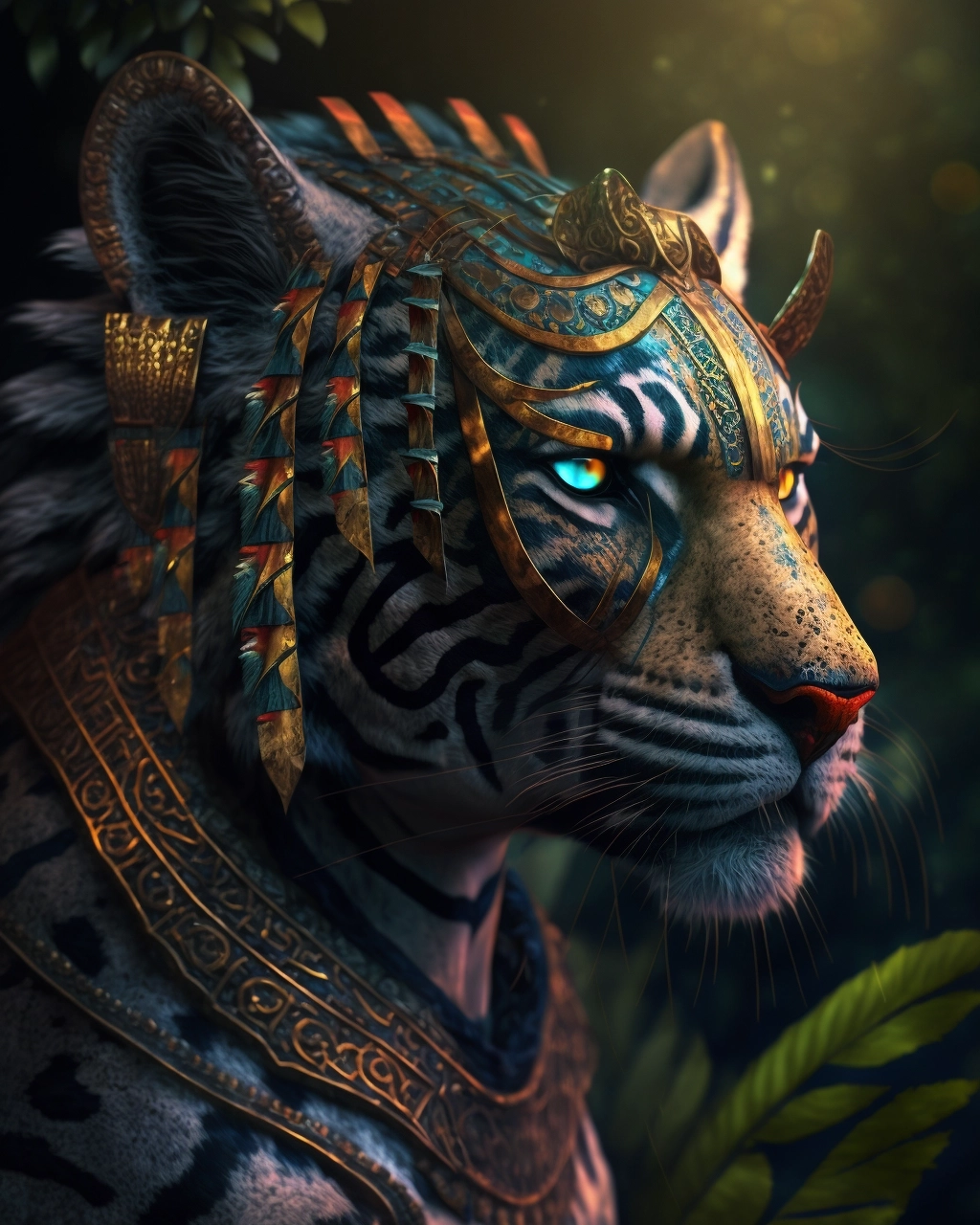
MiDjourney artificial intelligence allows you to create stunning images and art from a simple text query. The neural network is presented in Discord Bot format. The invented plot needs to be sent to the bot in the chat, and in response it will send a generated picture.
So, to generate your Art, you need to go to the midjourney.com website and click the "Join The Beta" button. The site will redirect you to Discord, where you need to log in or create an account. Next, you need to give the grid the necessary permissions, after which the system will direct you to the MiDjourney bot. After this, you need to go to any channel whose name begins with “newbies”, “newbies 45”, “newbies 78” and so on. The channel number does not matter. While on the channel, you need to enter the /imagine prompt command into the text line, and then the text of the plot that you want to generate. There are several rules and quite a lot of parameters that can be used to influence the image.
Next I tell you the basic rules.
It is advisable to write your request in English. The neural network understands other languages, but much worse. You can describe the whole picture in one sentence. The neural network will understand it in its own way. You can use commas. This will also affect the result. At the end you can either specify "realistic" to make the image more realistic, or "details" for more detail.
So, you have indicated the desired request, send it to the bot. It will show the generation process indicating the progress in percentage. When the generation is complete, you will see 4 different images based on your request. You can either save four options at once, or choose one of the options below. "u 1 2 3 4" - allows you to generate one of the four above images in higher quality, and the option "v1 2 3 4" allows you to generate four more options for one of the images already generated at your request. There is also a "refresh" option that allows you to regenerate your request. When the image is ready, click on it and follow the "open original" link to save the image in higher quality.
Tariffs and restrictions
Unfortunately, Midjourney cannot be used for free or without restrictions. During the beta testing period, each user is given the opportunity to make up to 25 free requests, but after that the developers will offer to pay for a subscription. It is possible to bypass the restriction by registering new accounts in the Discord messenger, but whether it is worth it is up to you to decide. The authors of the neural network offer affordable tariffs that will be quite affordable for AI art enthusiasts. A more serious problem can only be payment under the current sanctions against Russian banks - you will need a card that supports the SWIFT system.
Midjourney tariffs at the beginning of 2023:
- Basic. $8 per month if paid annually (about 552 rubles) or $10 if paid monthly (about 690 rubles). Allows you to create up to 200 images per month.
- Standard. $24 per month if paid annually (about 1,656 rubles) or $30 if paid monthly (about 2,070 rubles). Gives an unlimited limit on image generation and allows you to create images in accelerated mode for 15 hours a month. In addition, it allows you to use the created images for commercial purposes.
- Professional. $48 per month if paid annually (about 3,312 rubles) or $60 if paid monthly (about 4,140 rubles). Gives all the features of a standard account with double the time limit in accelerated mode and the ability to generate up to 12 images simultaneously. In addition, it allows you not to display images during generation in the general chat - thus, no outsider will see your requests to the neural network.
That's probably all. Leave your comments, like and subscribe to the profile. See you later, friends. I am sure you will succeed.