

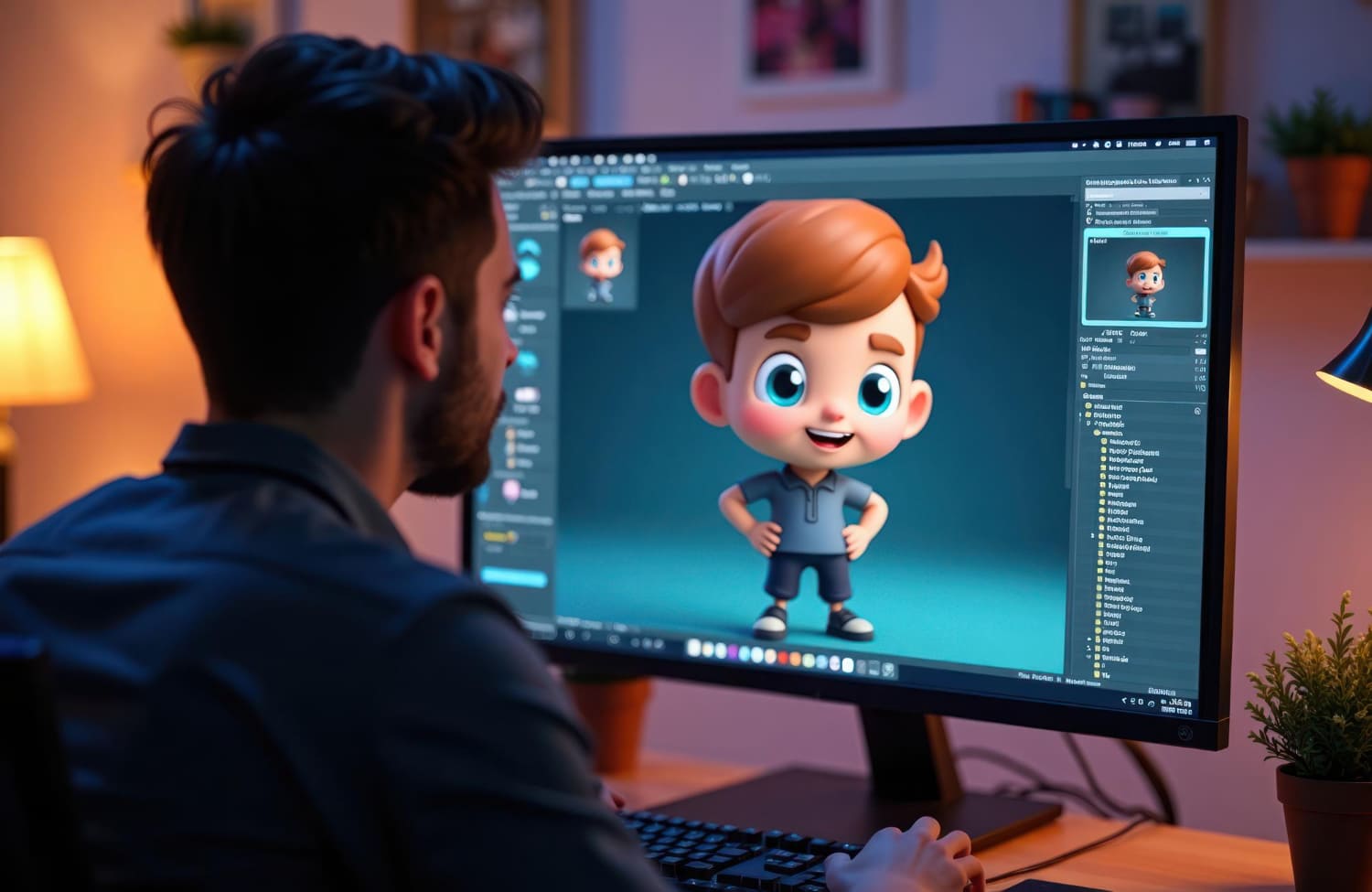
How to use animation to improve your website design 🚀
Animation on websites has gone from being something fancy to being a powerful tool for improving user experience (UX) and increasing conversions. Properly used animation can not only attract the attention of visitors, but also make navigation more intuitive, and interaction with the site more enjoyable and memorable. However, like any tool, animation requires skillful handling. Excess or improper use can have the opposite effect, causing irritation and deterring users. In this article, we'll look at various aspects of using animation in web design, from basic principles to advanced techniques.
Basic principles of using animation 🎯
Before diving into specific examples, it's important to understand a few key principles that will help you create effective and unobtrusive animation effects:
- Purposeful: Animation must serve a specific purpose. You shouldn’t add it just “for beauty.” It should improve the UX, highlight important elements, explain complex processes, or create a more pleasant atmosphere. If an animation doesn't serve any purpose, it's best to discard it.
- Restraint: Less is more. Avoid oversaturating your site with animation. Too many moving elements distract users' attention and make it difficult to perceive information. It is better to use animation selectively, focusing on key elements.
- Speed and Smoothness: Animation should be smooth and natural. Jerky movements and too fast animations can look sloppy and irritate users. The optimal animation speed depends on the context, but in most cases it is recommended to use smooth transitions and a moderate speed.
- Compliance with the site style: Animation should be harmoniously combined with the overall style and design of the site. You should not use bright and dynamic animation on a strict and minimalist website, and vice versa.
- Accessibility: It is important to keep users with disabilities in mind. Animation should not interfere with their use of the site. Therefore, it is necessary to provide the ability to disable animation or adapt it to different browser settings. For example, you can provide the ability to disable animation for users with a slow Internet connection.
Types of animation and their applications ✨
There are many different types of animations that can be used on a website. Let's look at some of them:
- CSS Animation: This is the most common and easiest way to create animation. CSS allows you to create smooth transitions, changes in size, position and other properties of elements. This method is well suited for creating simple animation effects, such as the appearance of elements on the screen, smooth changes in color or size.
- JavaScript Animation: JavaScript provides greater capabilities for creating complex and interactive animations. Using JavaScript, you can create animations that respond to user actions, such as hovering over an element or clicking on it.
- Animation with Libraries: There are many JavaScript libraries that make creating animations easier. For example, GreenSock (GSAP), Anime.js, Velocity.js. These libraries provide convenient tools and functions for creating complex animation effects.
- GIF Animation: GIF animation is a simple and effective way to add animation to your website. However, GIF animation can be quite heavy and slow down page loading. Therefore it should be used with caution.
- SVG Animation: SVG animation is a vector animation that allows you to create high-quality and scalable animation. SVG animation is well suited for creating complex illustrations and logos.
Cases of successful use of animation 🏆
Let's look at some examples of successful use of animation on websites:
- Loading Animation: Smooth loading animations can improve the user experience by making the site appear responsive. Instead of a boring loading bar, you can use more creative solutions, such as logo or icon animation.
- Hover Animation: Highlighting elements on hover can improve navigation and draw attention to important elements. For example, when you hover over a button, it may grow slightly larger or change color.
- Animation of micro-interactions: Small animation effects, such as elements fading in or colors changing as a user interacts, can greatly improve the UX. For example, when you click a button, a small confirmation animation may appear.
- Animation in storytelling: Animation can be used effectively to create interactive stories and presentations. Smooth transitions between slides, the appearance of elements at the right moment - all this can make the story more exciting.
- Animation to explain complex processes: Animation can make complex processes, such as a machine or process, easier to understand. Graphic animation can clearly show the stages of a process and make it more understandable. You can see examples of our work where we successfully used animation here: https://Asgard Digital.ru/#raboty
Mistakes to avoid 🚫
Improper use of animation can harm the design of the site. Here are some common mistakes:
- Too Much Animation: Too many moving elements on a page can be distracting and irritating to users. Adhere to the principle of minimalism.
- Animation Inconsistency: Animation must be consistent with the style and design of the site. Don't use animation that looks out of place or doesn't fit the overall concept.
- Poor Performance: Animations can significantly slow down page loading if they are not optimized properly. Use lightweight and optimized animation effects.
- Inaccessibility: Animation must be accessible to all users, including people with disabilities. Provide the ability to disable animation or adapt it to different browser settings.
- Ignoring Context: Animation must be relevant and relevant to the context. Don't use animation that doesn't make sense or doesn't add value.
Tools and technologies for creating animation 🧰
You can use various tools and technologies to create animation on websites:
- CSS: A language built into browsers that allows you to create simple and effective animations.
- JavaScript: A programming language that provides more options for creating complex and interactive animations.
- JavaScript libraries: GreenSock (GSAP), Anime.js, Velocity.js, React Spring - simplify animation creation by providing convenient APIs and functions.
- After Effects: A professional tool for creating complex animations that can be exported in a variety of web-ready formats.
- Lottie: A web-optimized animation format created by Adobe After Effects.
Conclusion: Animation as a tool for improving UX 📈
Animation can be a powerful tool for improving website design and user experience, but only when used correctly. It is important to remember the principles of restraint, expediency and accessibility. Proper use of animation will help make your website more attractive, intuitive and memorable. Remember to test your animation solutions and take user feedback into account. Remember that the purpose of animation is to enhance interaction, not to distract from the content. Use animation wisely and it will become your reliable ally in creating a successful web project. Don't be afraid to experiment, but always keep in mind the balance and appropriateness of each animation element. Look for inspiration in best practices by analyzing leading websites in your niche. Remember that high-quality animation is an investment in improving UX and, as a result, increasing conversion. Contact professionals if you are not confident in your abilities, and your site will definitely shine! Look at our work to see for yourself: https://Asgard Digital.ru/#raboty