

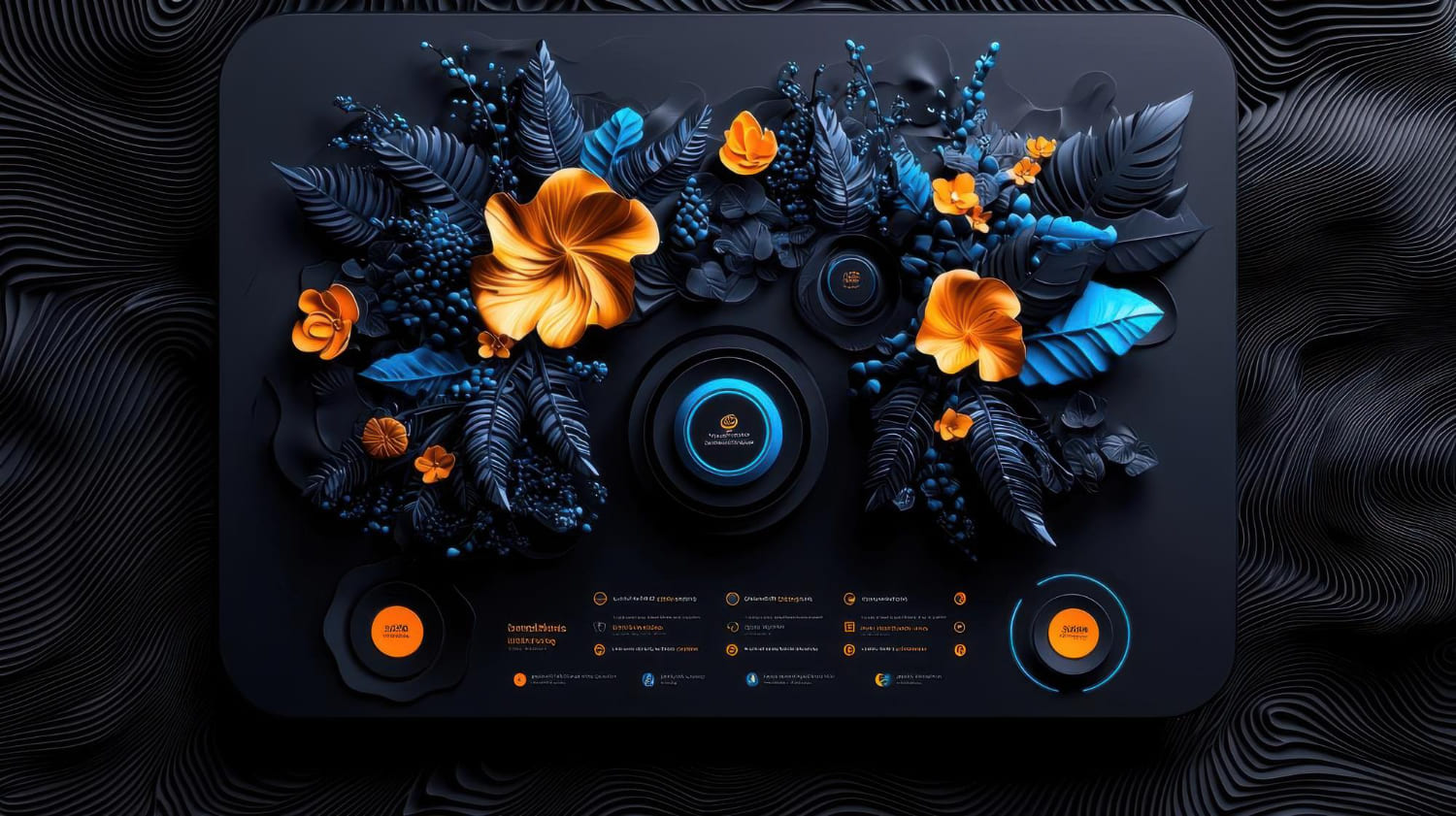
How to use 3D models on your website to improve engagement 🚀
In today's digital world, where competition for user attention has reached unprecedented heights, it is important to look for innovative ways to attract and retain audiences. One such way is to use 3D models on a website. 3D models allow you to create interactive and immersive experiences, significantly increasing user engagement and leaving a memorable impression. This article will go into detail about how to effectively use 3D models to improve engagement on your site, explore different use cases, and provide practical tips and examples.
Why are 3D models important for engagement? 🤔
In the age of visual content, static images and videos are no longer always effective enough. 3D models offer a new level of immersion, allowing users to interact with a product or service on a completely different level. The advantages of using 3D models on the site are obvious:
- Improves Engagement: Interactive 3D models allow users to rotate, zoom, and explore an object from multiple angles, significantly increasing time spent on the site and engagement levels.
- Improved Product Understanding: 3D models help you visualize product details that are difficult to convey with regular images. This is especially important for complex technical products or products with many functions.
- Increased Conversions: With a deeper understanding of the product, users are more likely to make a purchase or submit an order.
- Creating a Unique User Experience: Using 3D models makes your website more memorable and attractive, making it stand out from your competitors.
- Expand your marketing capabilities: 3D models can be used to create interactive advertising campaigns, virtual tours and other marketing tools.
Types of 3D Models for Websites 🌐
There are several types of 3D models that can be used on a website:
- Static 3D Models: These are static models that are displayed on the website as regular images. They are easy to use and do not require much computing power, but do not offer interactivity.
- Interactive 3D Models: These models allow users to rotate, zoom, and explore an object from different angles. They provide higher levels of engagement but require more complex implementation.
- Animated 3D Models: These are models that can move and change their shape. They are ideal for demonstrating product features or creating exciting animations.
- 3D Configurators: These are interactive tools that allow users to customize the product to their liking by selecting different colors, materials and options.
How to use 3D models on your website? 💡
The type of 3D model you choose depends on your goals and resources. However, regardless of the type chosen, the following aspects must be taken into account:
- Web Optimization: 3D models should be optimized for web browsers to ensure fast loading and smooth playback. This includes reducing the file size and using suitable file formats such as glTF or FBX.
- Intuitive interface: The user should easily interact with the 3D model. Management should be simple and intuitive.
- Compliance with the site design: The 3D model must fit harmoniously into the overall design of the site and not violate its integrity.
- Mobile Optimization: Ensure that the 3D model displays correctly on mobile devices.
Examples of using 3D models on the website You can see examples of work here: https://Asgard Digital.ru/#raboty 🖼️
Below are several examples of using 3D models on a website, depending on the field of activity: 1. E-commerce:
- Product Showcase: Imagine how a customer can rotate a 3D model of a shoe, viewing it from all angles before adding it to their cart. Or see what a sofa looks like in different colors and upholstery without leaving the product page. This significantly increases the likelihood of a purchase.
- Virtual Fitting Rooms: Allow users to “try on” clothing or accessories virtually using Augmented Reality (AR) technology.
- Interactive Catalogs: Create an interactive catalog with 3D models of all your products, allowing users to easily find and explore products. 2. Property:
- Virtual Tours: Offer potential buyers a virtual tour of the property using 3D models of apartments or houses. This will allow them to appreciate the layout, design and environment without leaving their home.
- Interactive Floor Plans: Show 3D models of apartment layouts, allowing users to switch between floors and explore details. 3. Automotive industry:
- Vehicle Configurator: Allow users to customize their vehicle by selecting exterior color, interior, options and accessories.
- Detailed Vehicle Inspection: Imagine a 3D model of a car that you can rotate, scale and explore from all angles, looking at exterior and interior details. 4. Architecture and design:
- Project Visualization: Present future projects as interactive 3D models, allowing clients to evaluate the design and layout.
- Virtual Building Walks: Create virtual tours of buildings, allowing users to explore the interior and exterior. 5. Education:
- Interactive Tutorials: Use 3D models to create interactive tutorials that help students better understand complex concepts.
- Virtual Labs: Create virtual labs where students can conduct experiments using interactive 3D models.
Technologies for creating and integrating 3D models ⚙️
Various technologies can be used to create and integrate 3D models on a website:
- 3D modeling: Blender, 3ds Max, Maya, Cinema 4D and other programs for creating 3D models.
- Model Optimization: Various tools to optimize 3D models for web use, such as Blender's addon for glTF export.
- 3D Libraries: Three.js, Babylon.js, PlayCanvas and other JavaScript libraries for rendering and interacting with 3D models in a web browser.
- CMS and platforms: WordPress, Shopify, Wix and other platforms that support 3D model integration.
Important points when using 3D models ⚠️
- Loading Speed: Optimize models for fast loading to avoid negatively impacting the user experience. Use progress bars to indicate loading.
- Browser Compatibility: Ensure that your 3D models display correctly in all major web browsers.
- Accessibility: Make 3D models accessible to users with disabilities. Add alt text to images and provide keyboard navigation.
- Responsiveness: Ensure that 3D models display correctly on devices with different screen sizes.
Conclusion 🎉
Using 3D models on your website is a powerful tool for increasing user engagement and improving the user experience. Proper use of 3D models can significantly improve conversion rates, make your website more memorable, and differentiate it from your competitors. However, it is necessary to remember the importance of model optimization, intuitive interface and adaptability to provide the best user experience. Don't be afraid to experiment with different types of 3D models and find the best solutions for your business. Remember that high-quality implementation can lead to a significant increase in the effectiveness of your site. For inspiration and examples of completed work, visit our website: https://Asgard Digital.ru/#raboty. We are ready to help you create a unique and effective website using advanced 3D modeling technologies.